

Microsoft 365 brand colors & logos
Microsoft 365's brand colors are tomato (#F05020), yellowgreen (#80B800) and cornflowerblue (#00A0F0).
AI-assisted productivity apps for documents, data, and teamwork.
- Category
- Business & Productivity · Business Software
- Founded
- 1975
- Employees
- 228k (2024)
- Headquarters
- REDMOND, United States
Microsoft 365 color palette
The official colors Microsoft 365 uses across its logo and interface. Click any swatch to copy its hex code.
| Color | Name | Hex | RGB | Role |
|---|---|---|---|---|
| tomato | #F05020 | rgb(240, 80, 32) | Accent | |
| yellowgreen | #80B800 | rgb(128, 184, 0) | Accent | |
| cornflowerblue | #00A0F0 | rgb(0, 160, 240) | Accent | |
| orange | #F8B800 | rgb(248, 184, 0) | Accent | |
| dimgray | #606060 | rgb(96, 96, 96) | Dark | |
| Dark Slate Gray | #242424 | rgb(36, 36, 36) | Dark | |
| White | #FFFFFF | rgb(255, 255, 255) | Light |
Microsoft 365 logos
The 4 marks Microsoft 365 publishes, at original quality. Copy one to the clipboard (SVG as code, everything else as an image), or save the original file.
Primary logo
SVG

Icon
PNG
Alternate
PNG

Logo
WEBP
Microsoft 365 fonts
The typefaces office.com loads, read from its own stylesheets. Generic fallbacks like sans-serif are left out.
- Leelawadee UI Web
- Segoe UI Web Arabic
- Segoe UI Web Cyrillic
- Segoe UI Web East European
- Segoe UI Web Greek
- Segoe UI Web Hebrew
- Segoe UI Web Vietnamese
- Segoe UI Web West European
Microsoft 365 extracted colors
Every colour Microsoft 365 puts on screen, taken two ways: sampled from a screenshot of office.com, and read out of the site's own stylesheets.
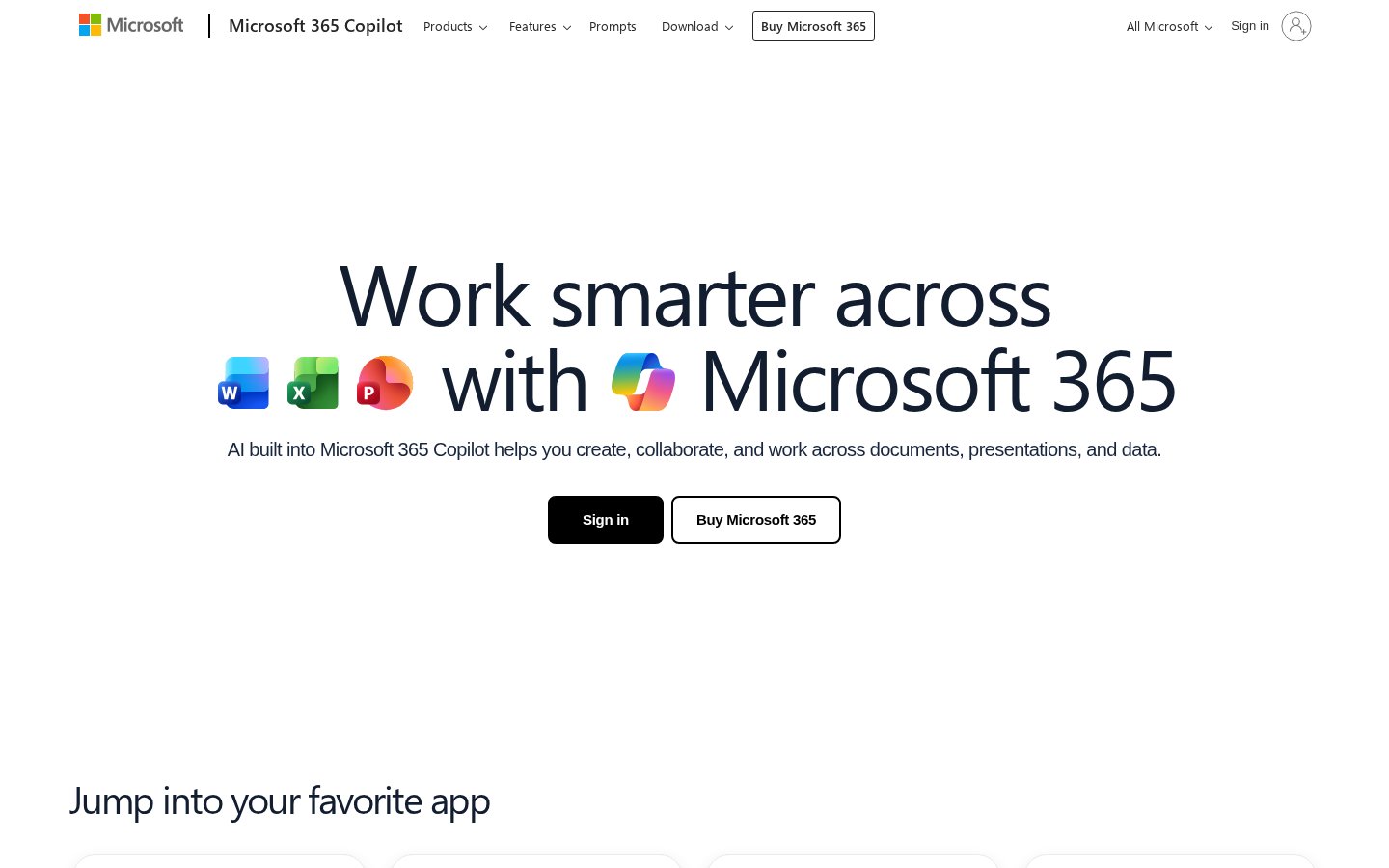
Sampled from the homepage
Read from the stylesheets
black
dimgray
white
darkslategray
gray
whitesmoke
lavender
cornflowerblue
dodgerblue
gainsboro
Microsoft 365 imagery
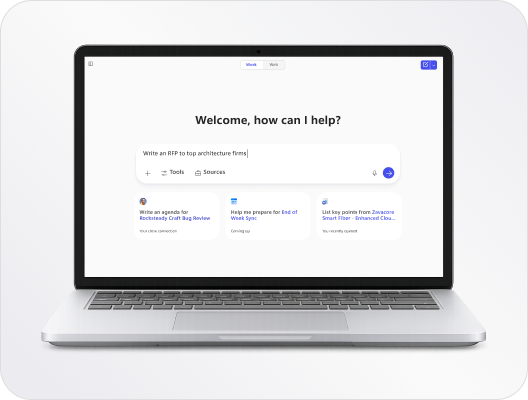
Open Graph cards, banners and other published artwork found on the domain.
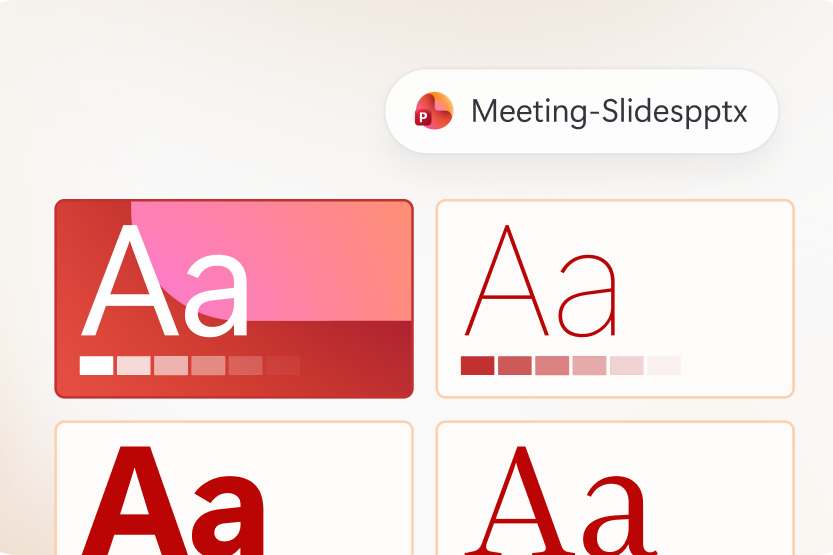
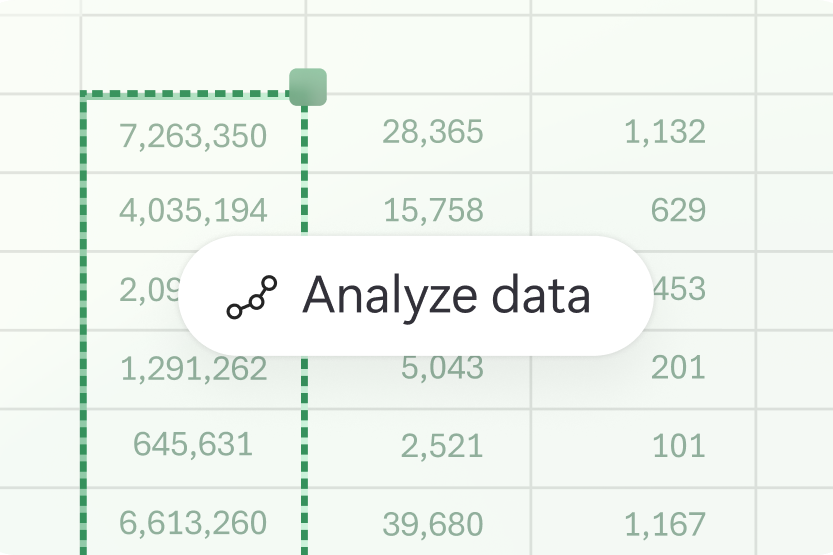

The company behind office.com
Legal entity, size and classification for Microsoft 365, as carried on the curated record.
About Microsoft 365
Information about Microsoft’s subscription productivity suite that bundles Word, Excel, PowerPoint, Outlook, Teams, OneDrive and the Copilot AI assistant to help create documents, presentations, and analyze data. The site explains available web, desktop, and mobile access, free browser versions, and subscription plans for additional features.
The site describes Microsoft’s subscription productivity suite, which includes familiar apps like Word, Excel, PowerPoint, Outlook, Teams, OneDrive, and the Copilot AI app. It explains how Copilot integrates AI into those apps to generate content, create images, build slides, summarize information, and analyze data using plain-language prompts and attached files for context. Visitors can access free web versions, sign in to download desktop apps, install mobile apps, and compare subscription plans for additional features. The content calls out workflow features such as specialized agents for meeting preparation and a focused desktop experience that brings AI and files together. It emphasizes user control over when AI features run and notes that existing privacy and security settings continue to apply. The site is aimed at professionals, teams, educators, and students seeking integrated productivity, collaboration, and AI-assisted workflows.
Every field on this page, from one API call.
The colours, logos, fonts and company facts above are the curated office.com record, served straight from the Prefetch API. Point it at any domain and get the same shape back.
GET /enrich 12 credits · brand + company + classification curl "https://api.prefetch.io/enrich?url=office.com" \ -H "x-api-key: $PREFETCH_API_KEY"
 Microsoft
 Adobe
Adobe Dropbox
 Internet Archive
 Salesforce
 Notion